Making sites and apps
Start UI work with ImageGen
Ask for five prototypes, choose a direction, then build.
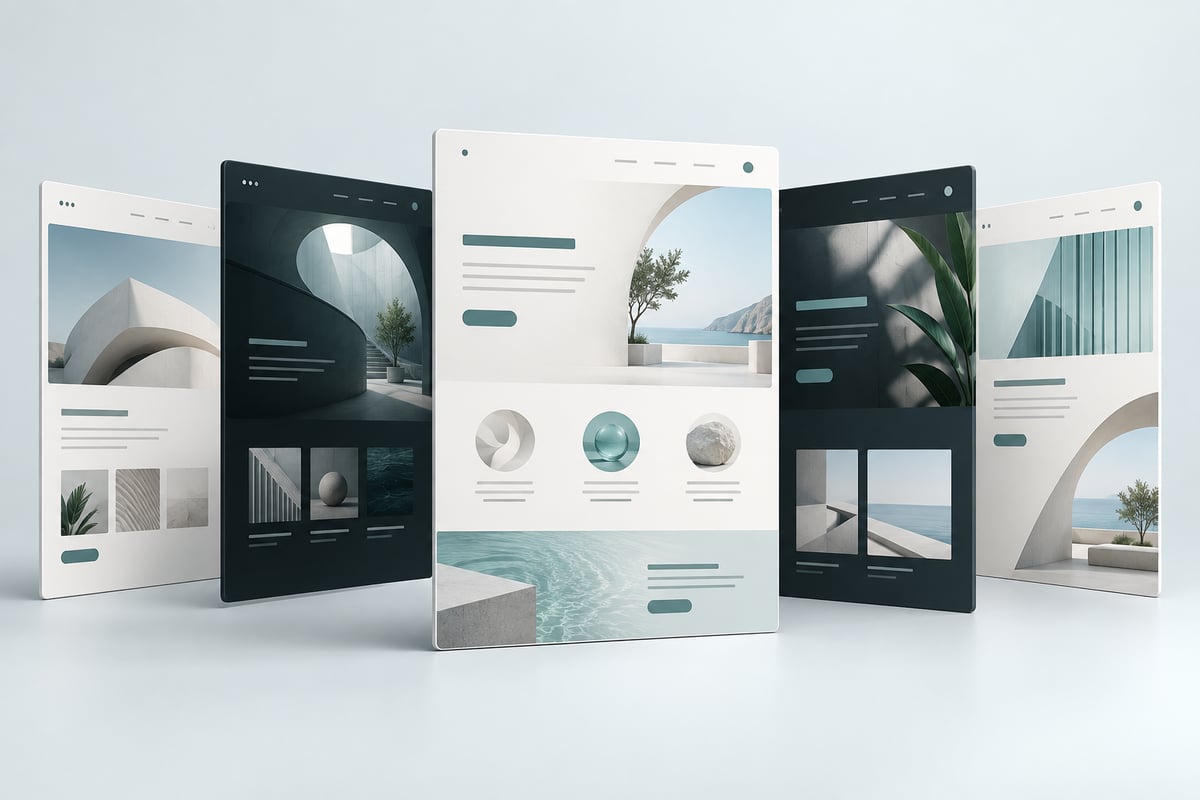
I ask ImageGen for five visual directions before building a UI. Seeing the options makes it much easier to decide what I like and explain what should change. Share your existing site or a reference so the designs fit the project.
Choose a direction and point out the details you want to keep. Then have the agent implement it as a working interface. The picture establishes the design; the next step is making the layout, links, and interactions actually work.
Try it
- Share your current site as a reference.
- Ask for five genuinely different layouts and choose one.
- Have the agent build it, then check it on desktop and mobile.
A prompt to steal
Use ImageGen to show me five prototypes. Match my site's style and keep the layout simple. Show the main page and what happens when someone opens an item. Wait for me to pick a direction before building it.